A Star Equivalency
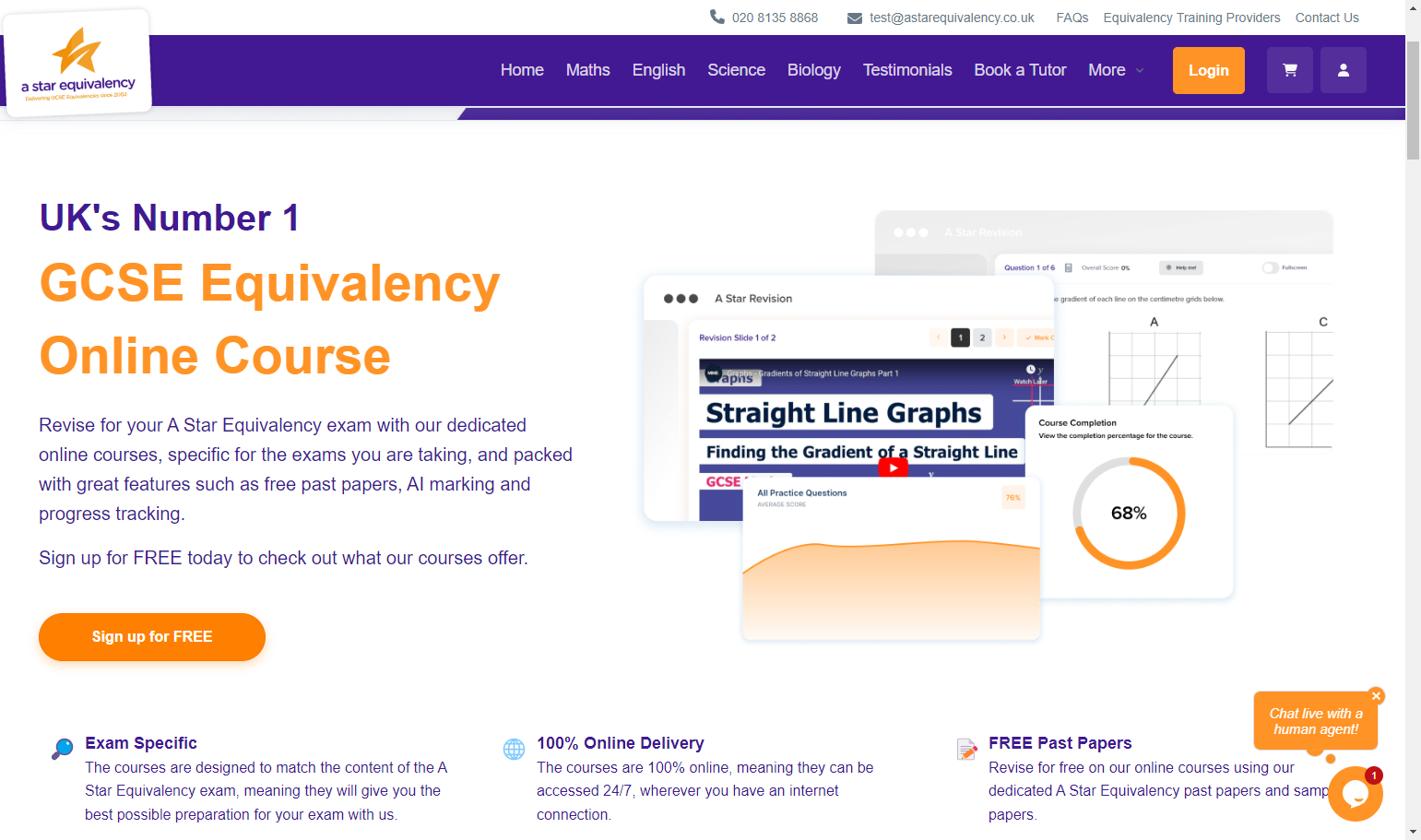
1. Click on the buttons / links to the A Star Equivalency Course page on the email you received, or visit https://astarequivalency.co.uk/equivalency-online-course/
2. Click on Sign up for FREE
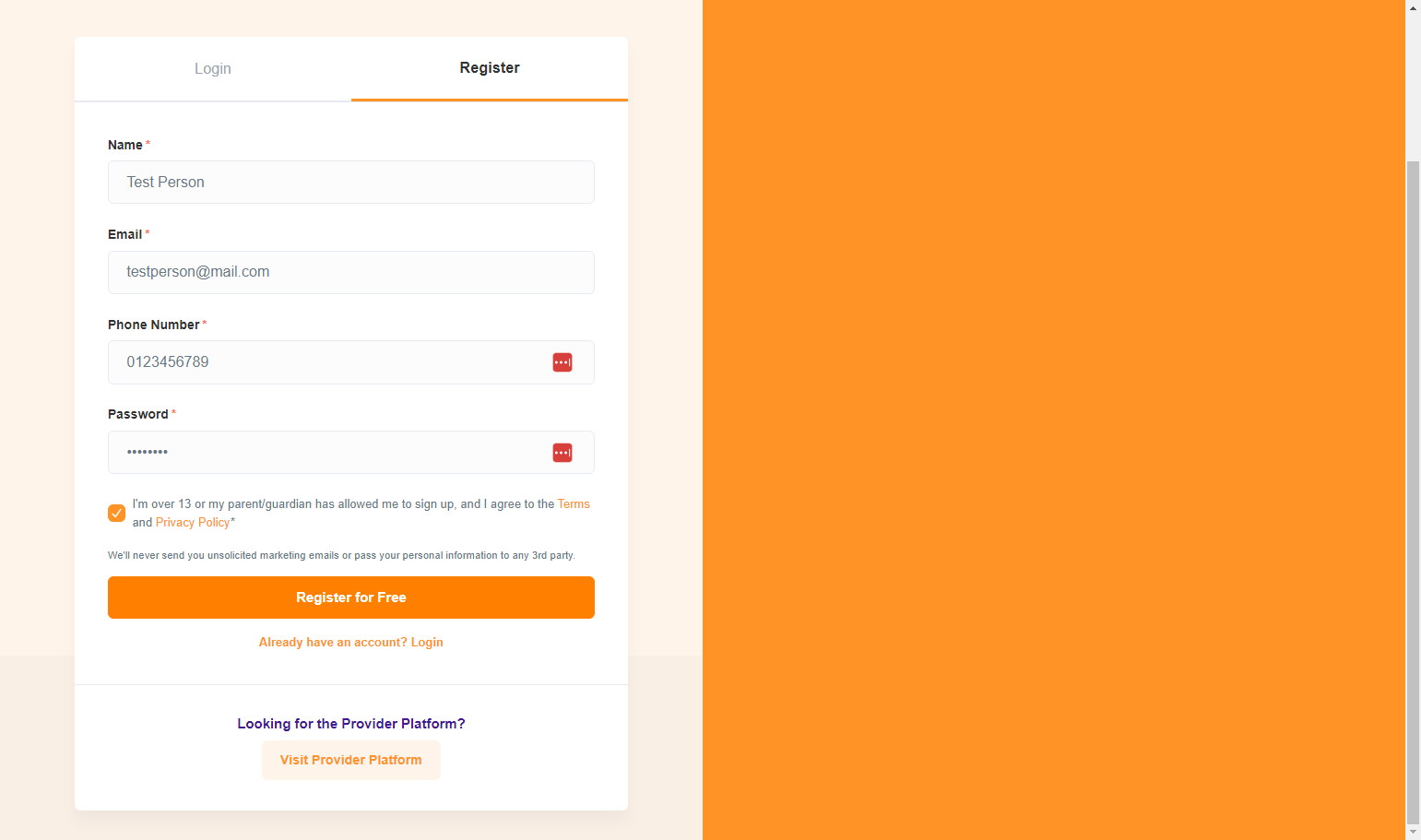
3. Put in your details and then click on Register for Free
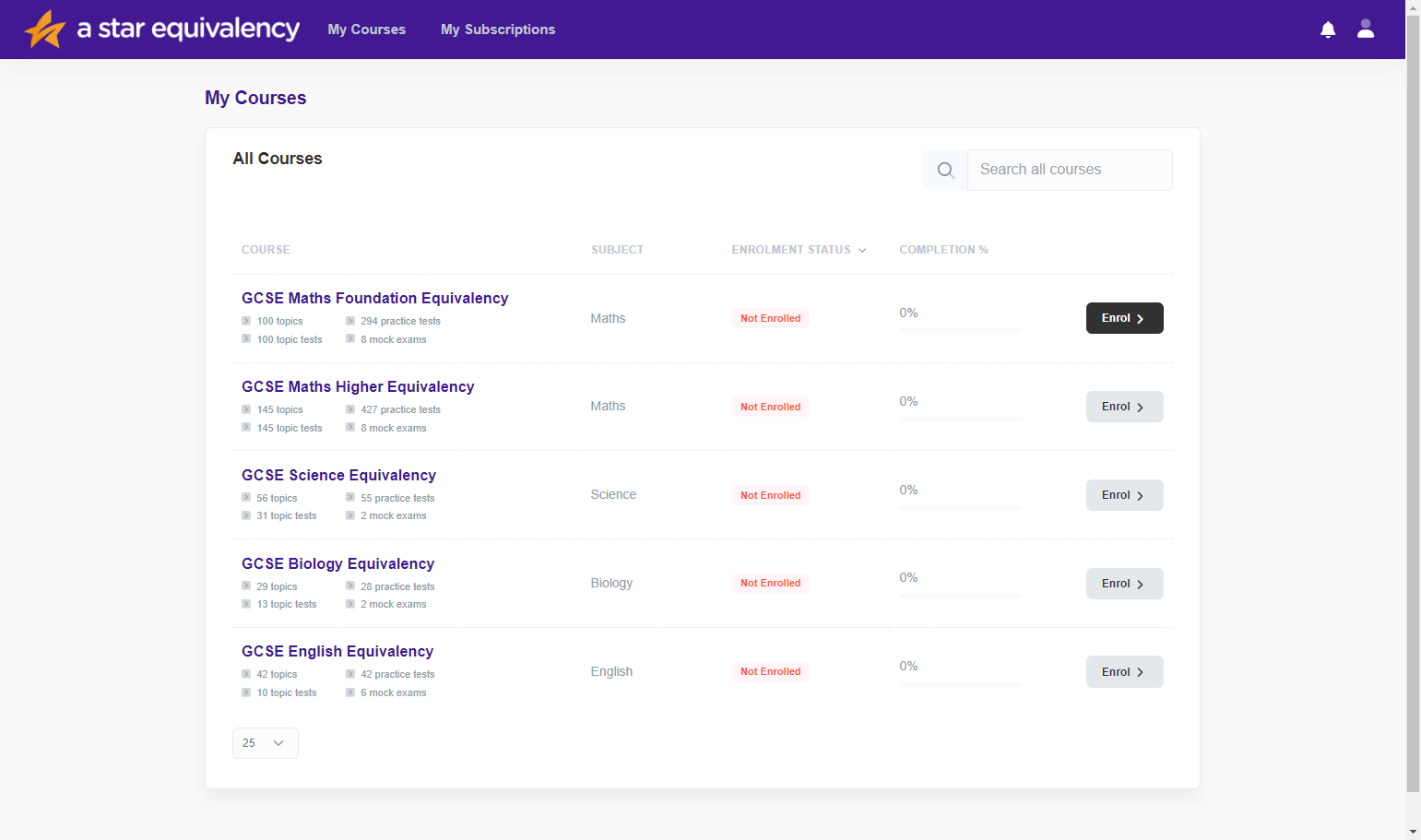
4. Click on Enrol on the subject you would like to enrol on.
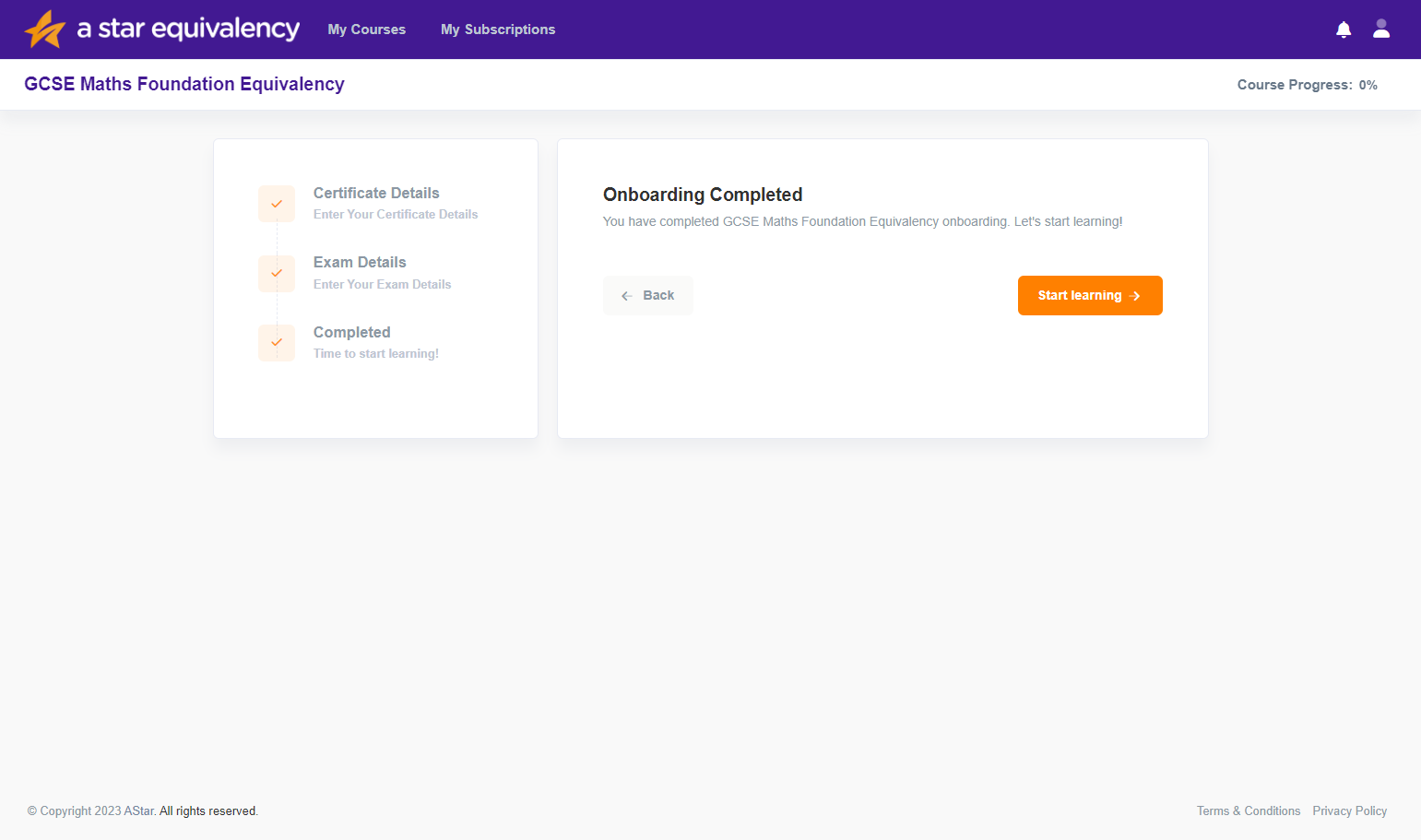
5. Go through the onboarding process, by selecting when you need your certificate by and whether or not you have an exam date booked, and then click on Start learning
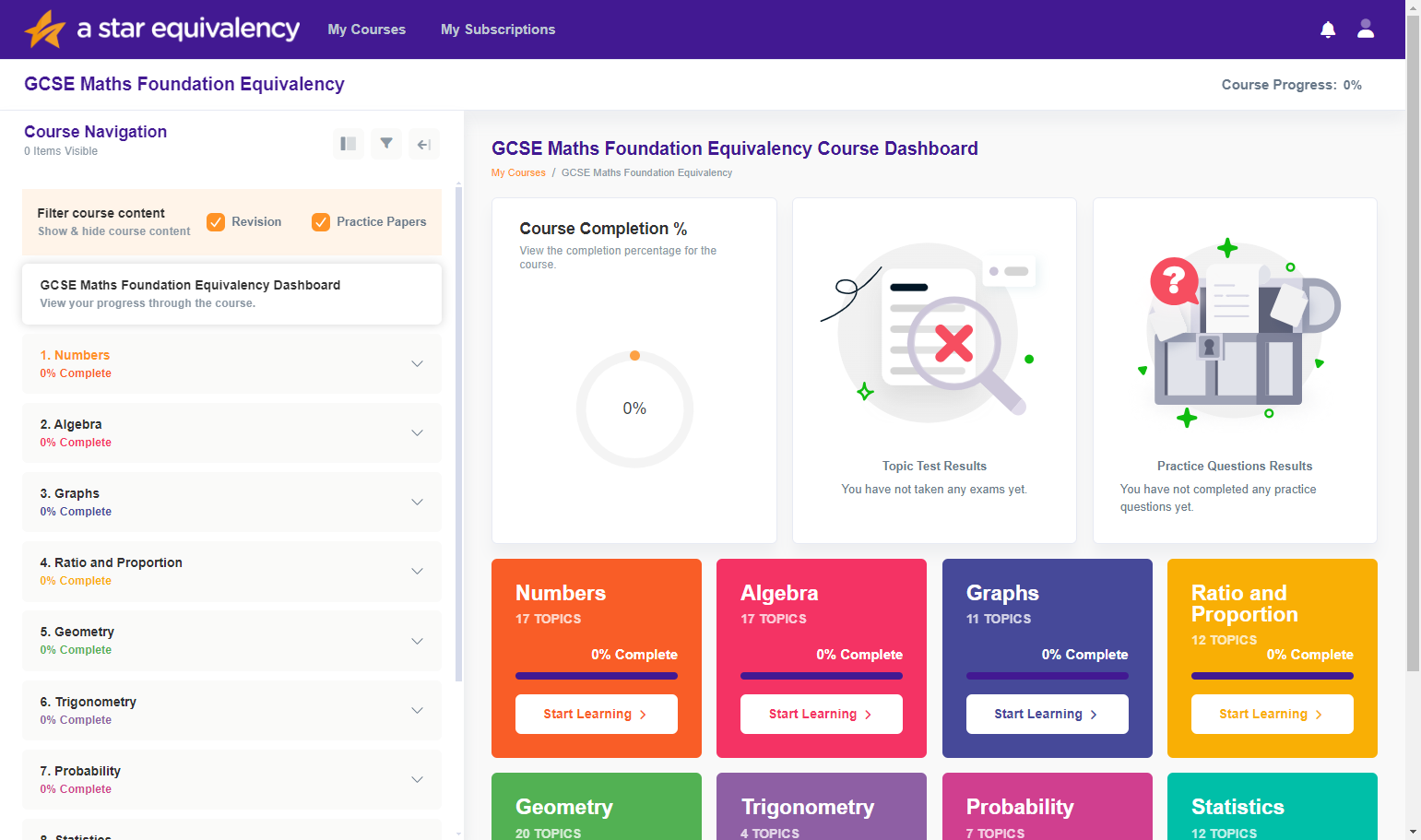
6. Click on a topic area on the left hand side menu, which will expand and show all topics in that topic area.
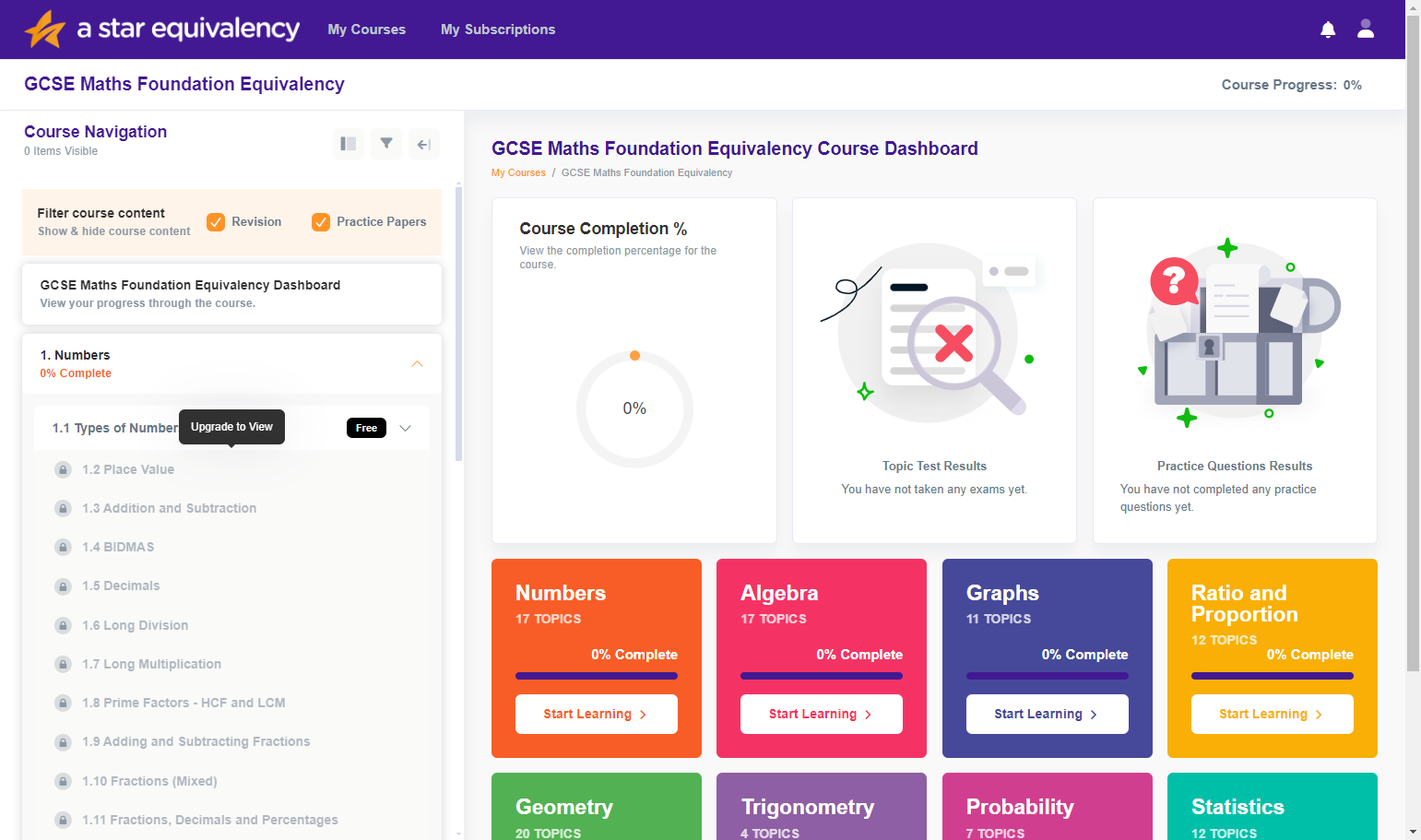
7. Click on one of the locked topics.
8. From here, you will be shown a page of different plans. Click on Choose this plan under the Monthly Plan heading.
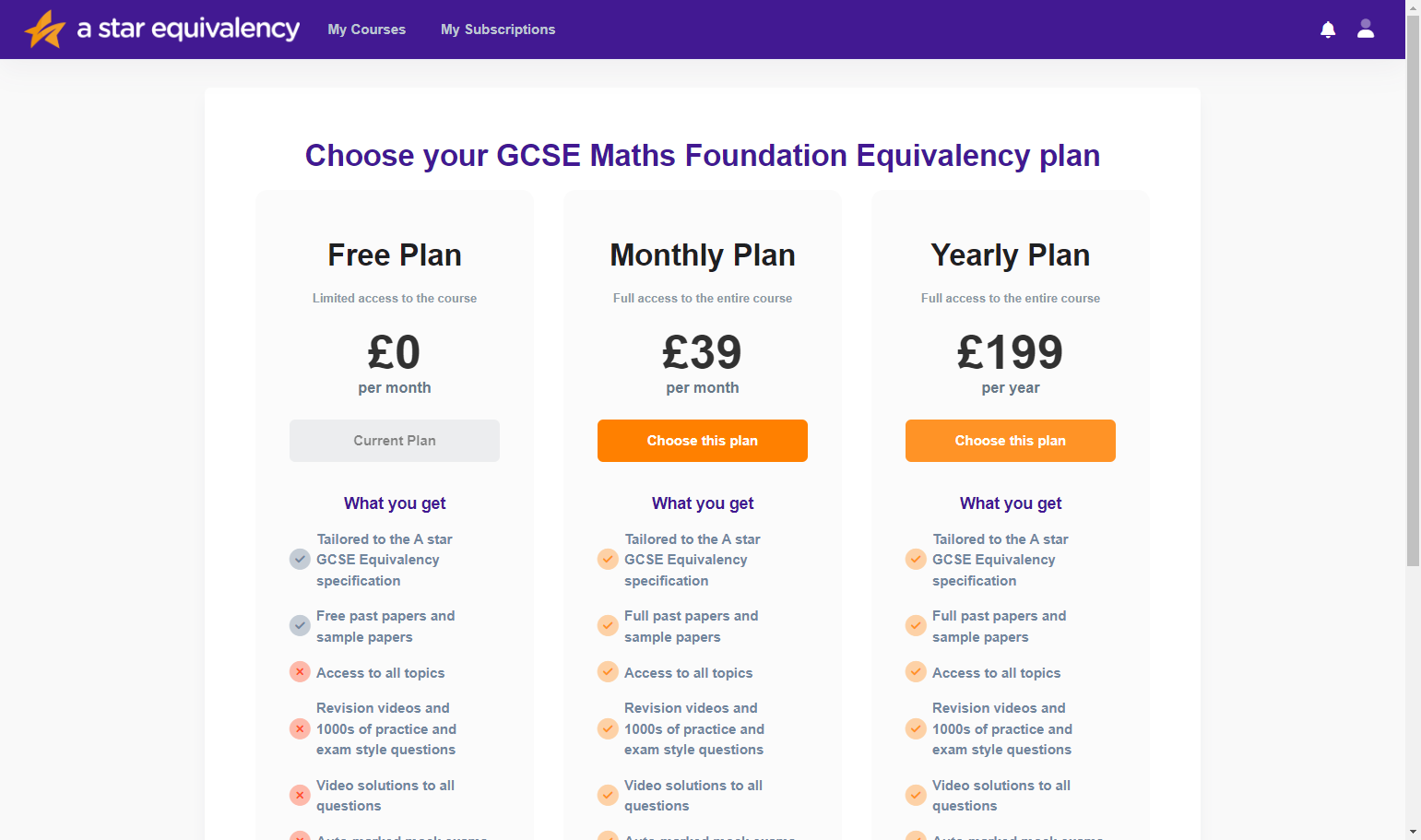
9. Click on Enter coupon code shown in the email.
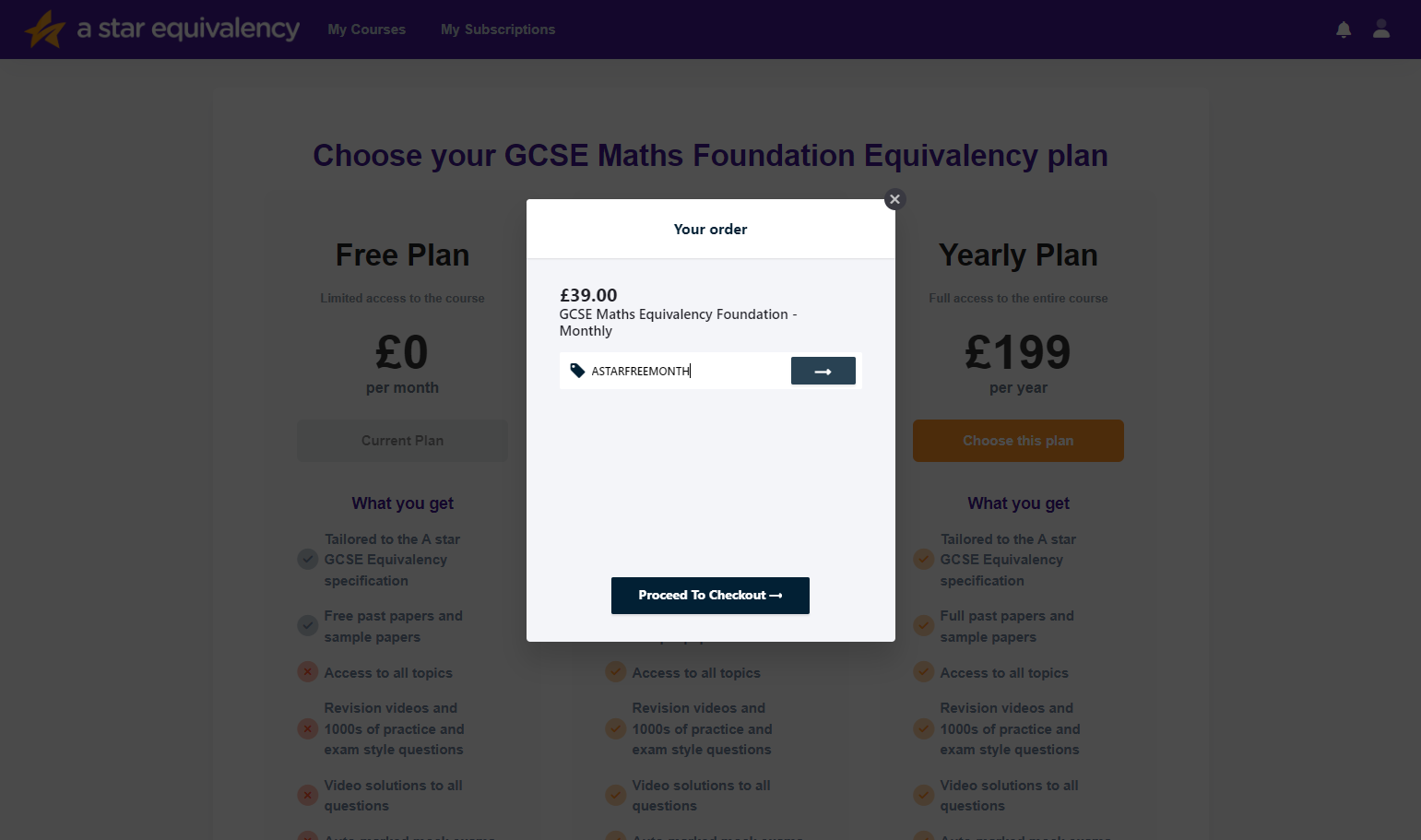
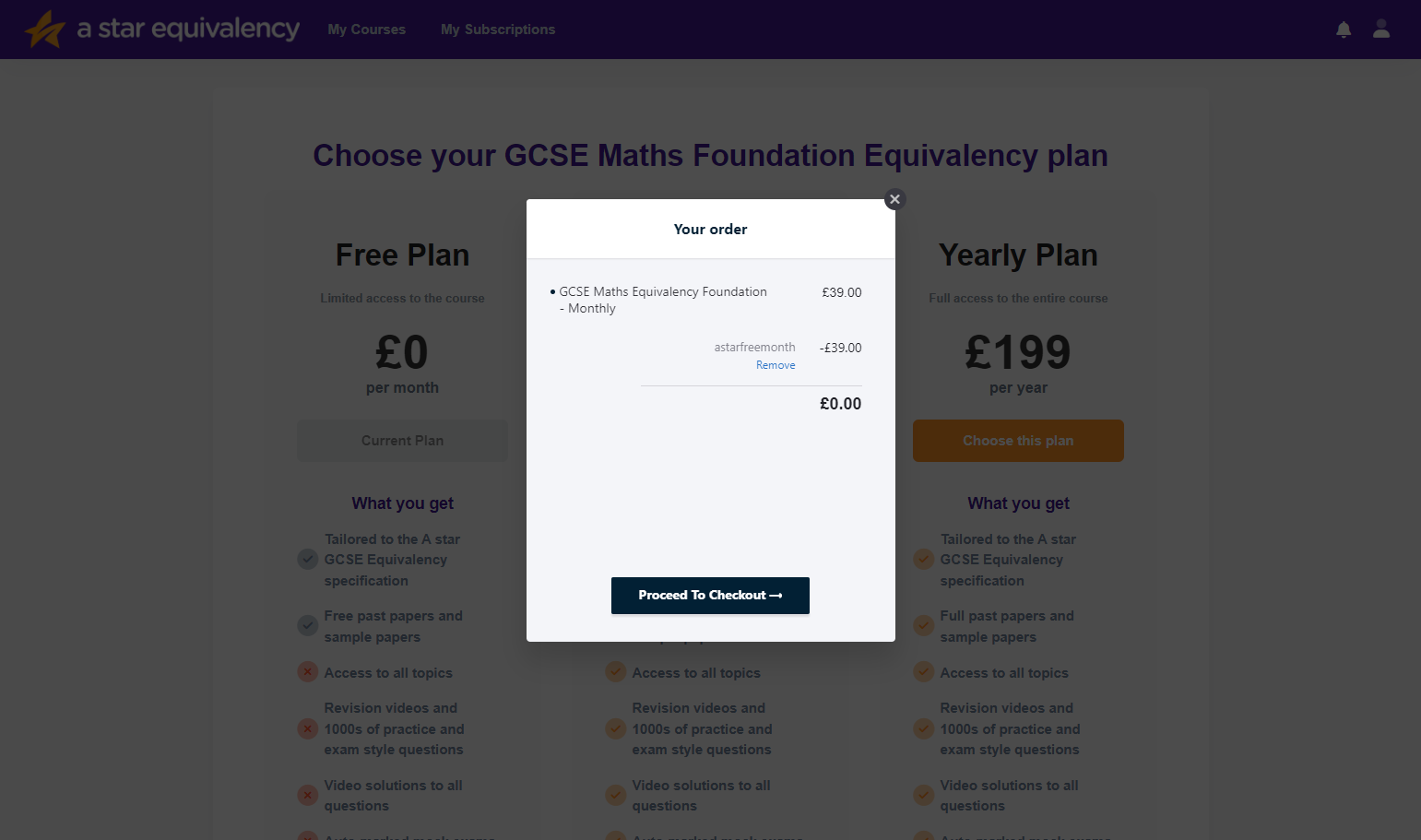
10. Press the arrow button to add the coupon code, and then click on Proceed To Checkout
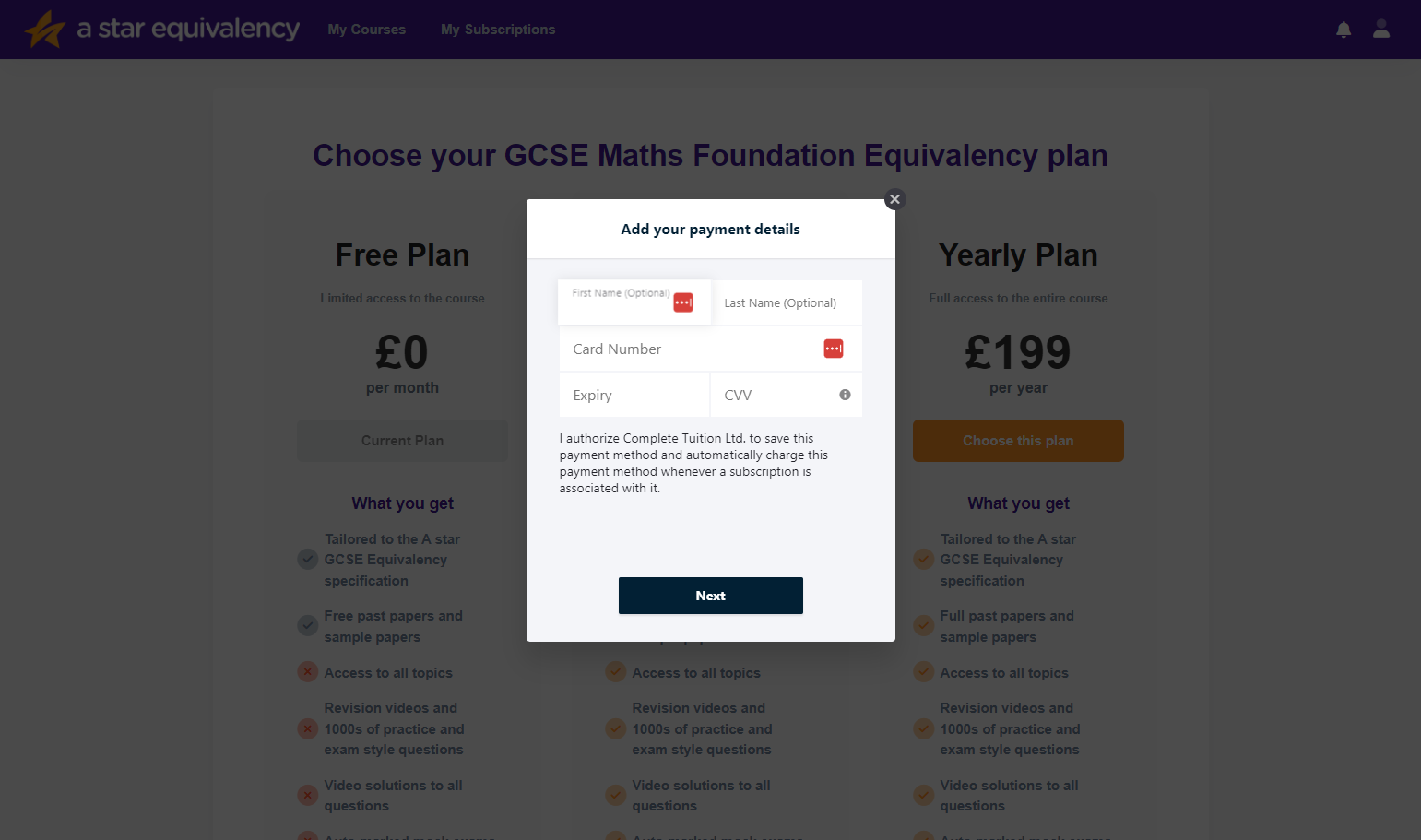
11. Enter your name and card details in the spaces provided, and then click on Next.
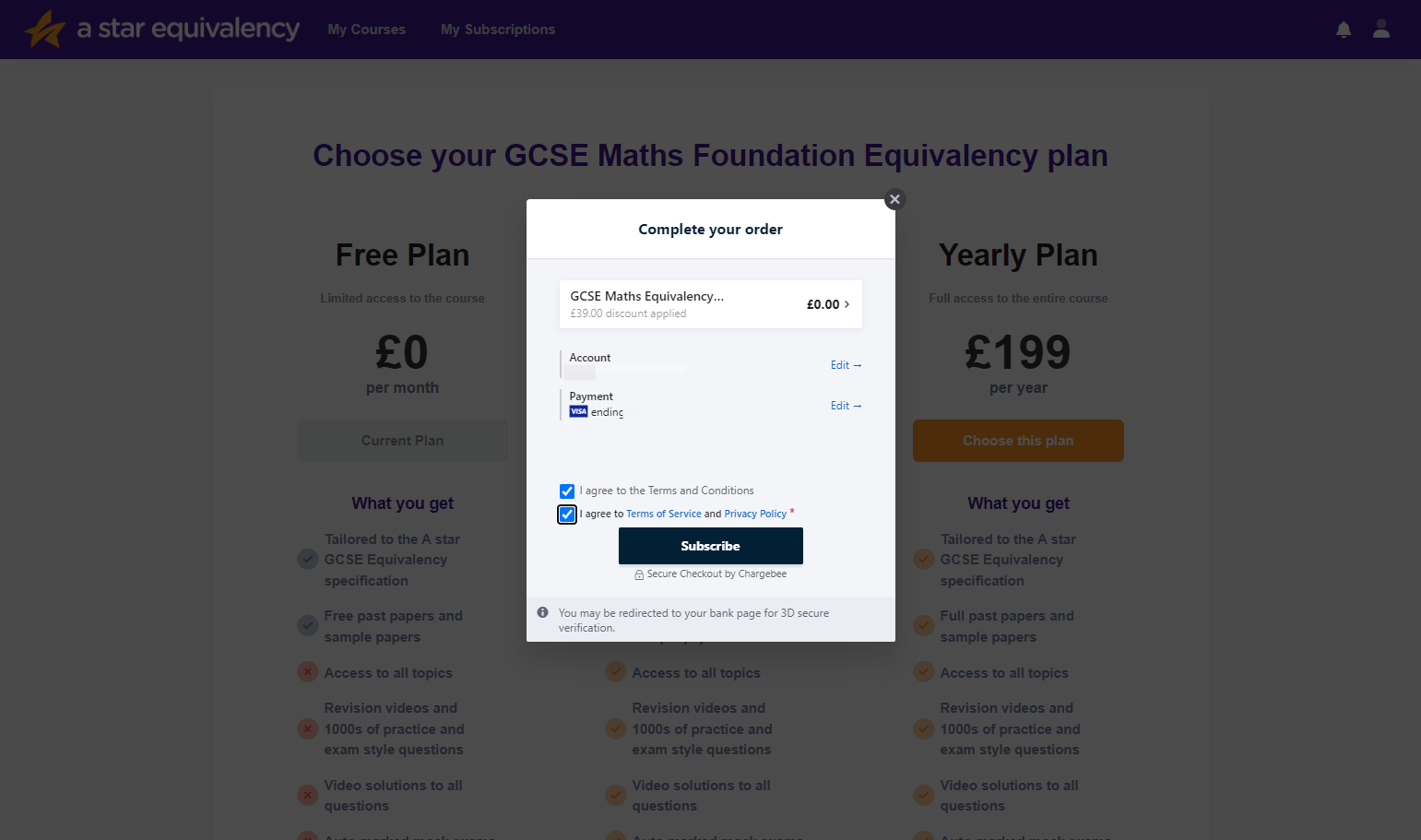
12. Read our terms of service and privacy policy, and if you are happy tick the tick boxes and then click subscribe to start your subscription.