Skip to content
English - United Kingdom
  • There are no suggestions because the search field is empty.

How to change my account details

A Star Equivalency

1. Once you have logged into your account click account details on the left hand side
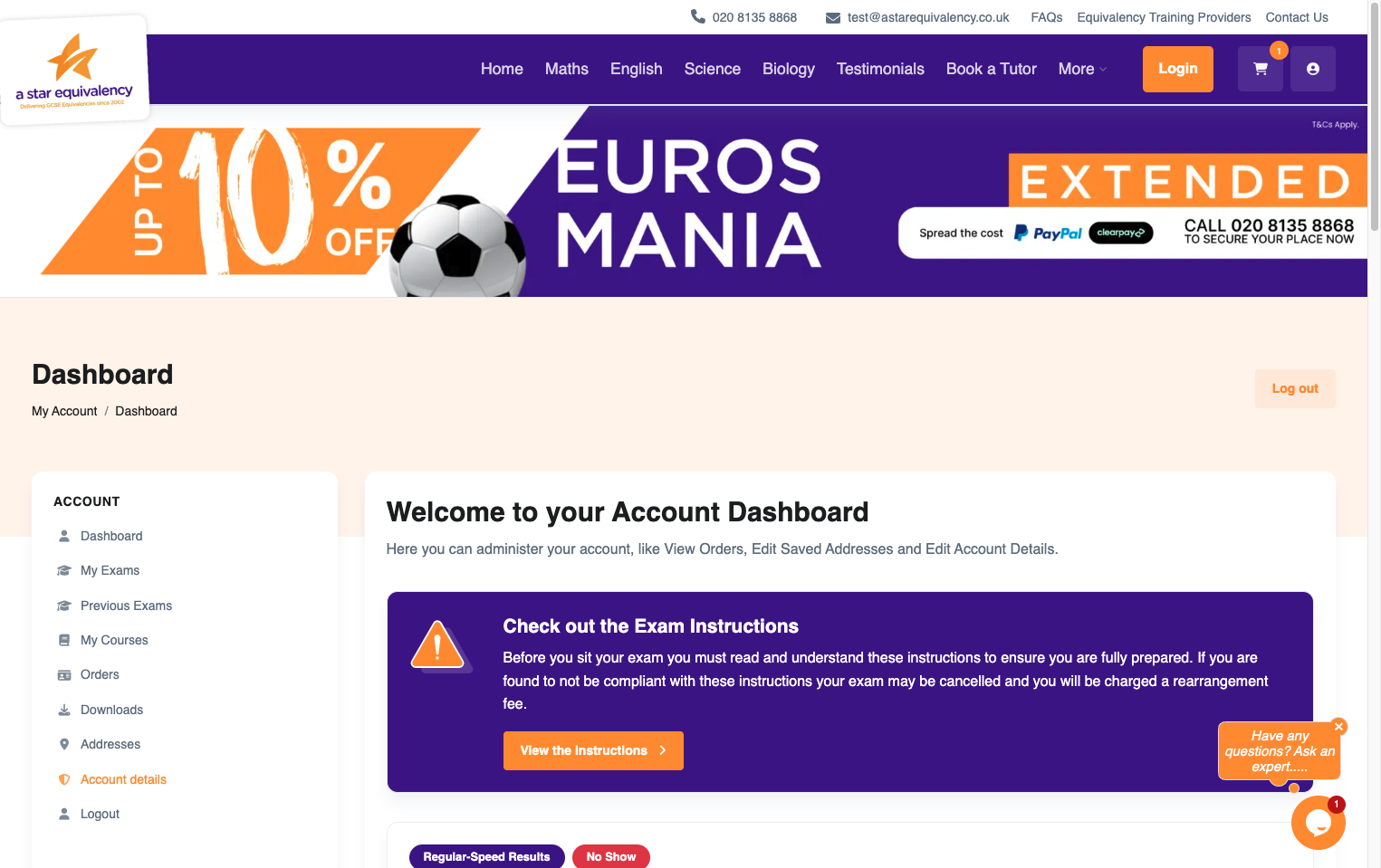
Once you have logged into your account click account details on the left hand side

2. Here you can edit your name...
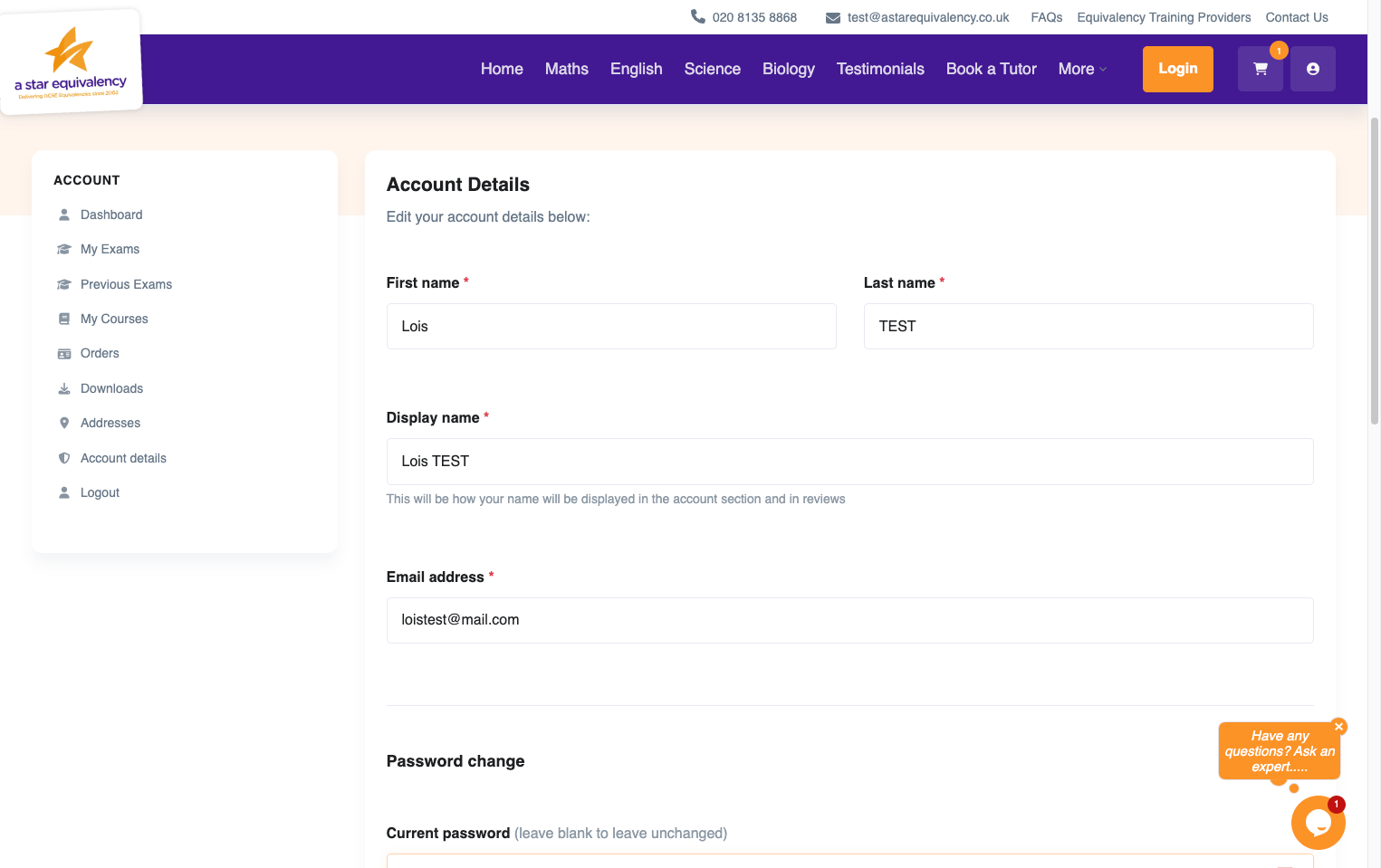
Here you can edit your name...

3. The display name on your account...
The display name on your account...

4. Your email address...
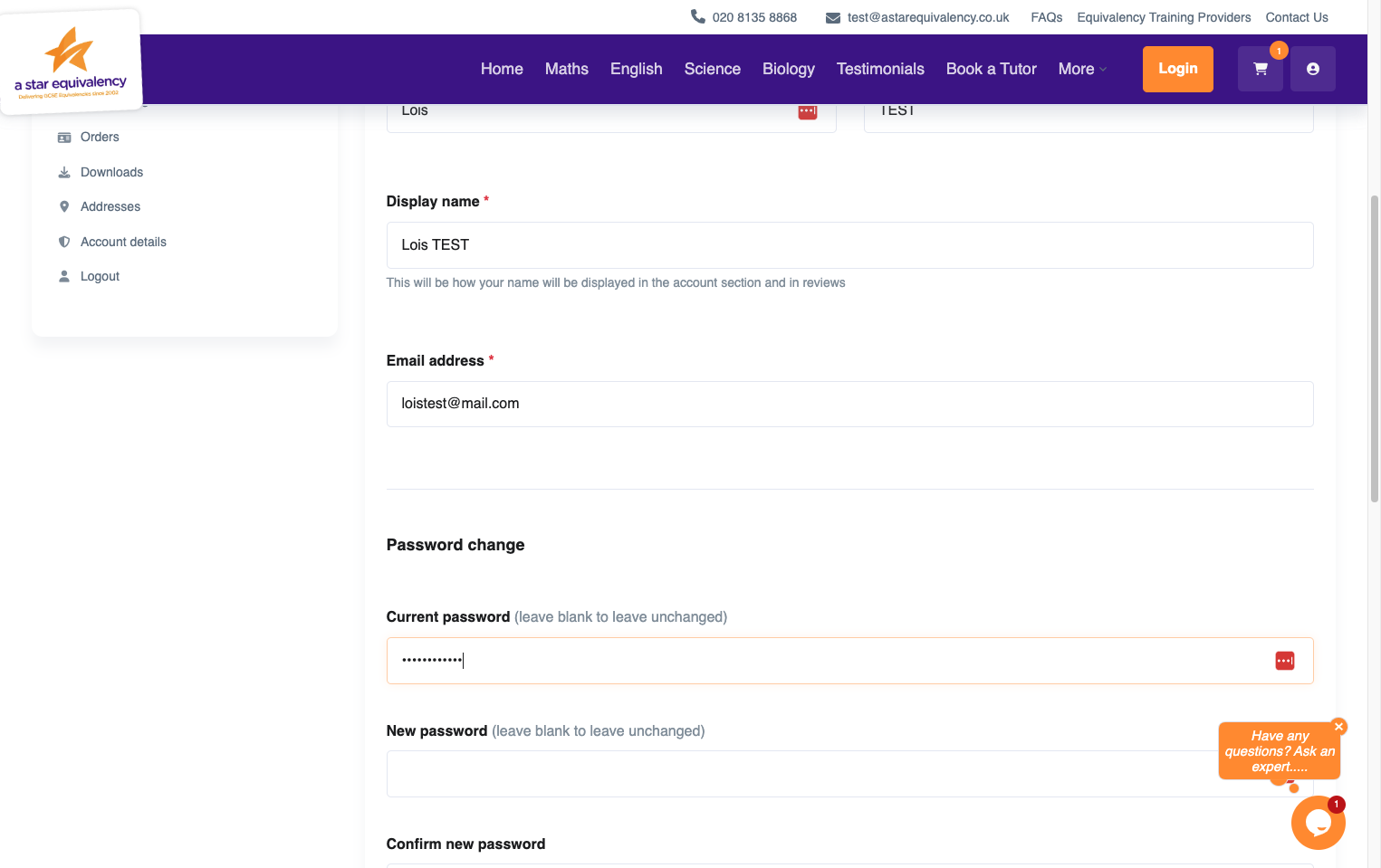
Your email address...

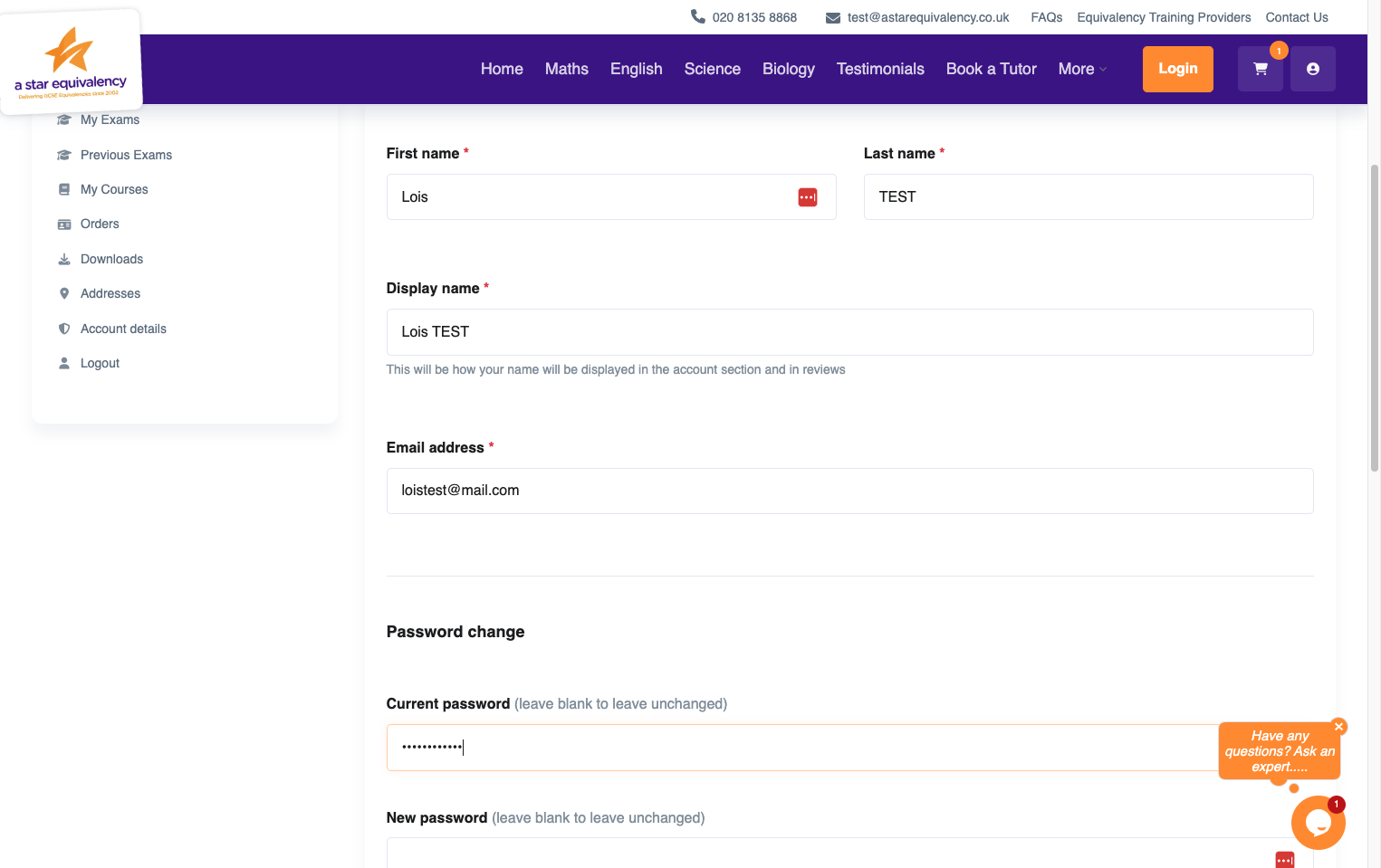
5. And change your password.
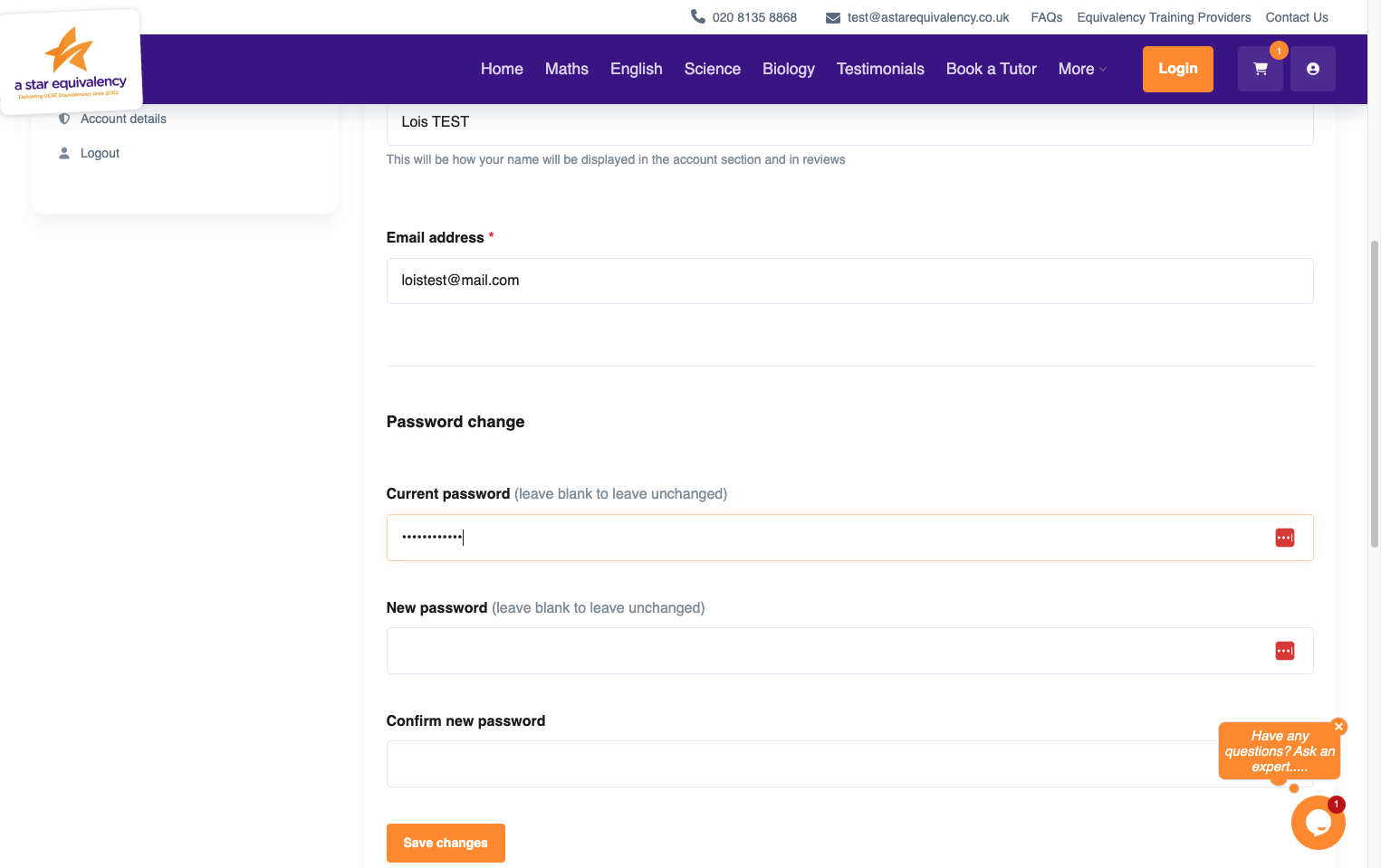
And change your password.

6. Once you have made all your changes, click 'Save changes'.
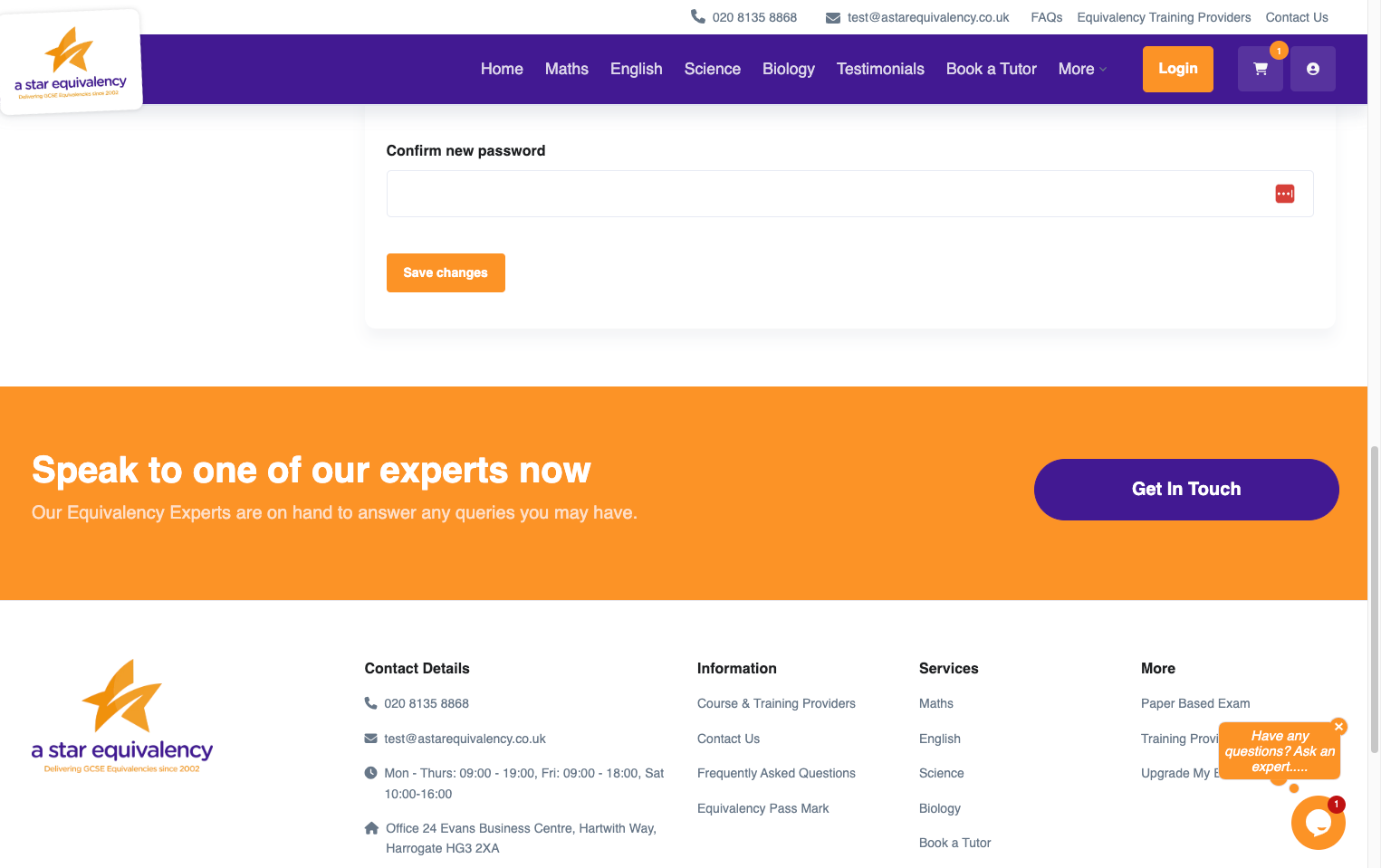
Once you have made all your changes, click 'Save changes'.