Skip to content
English - United Kingdom
  • There are no suggestions because the search field is empty.

Steps to Upgrade Exam to Fast-Track


A Star Equivalency


1. Click on the person icon, make sure you log in using the details for your hop account.
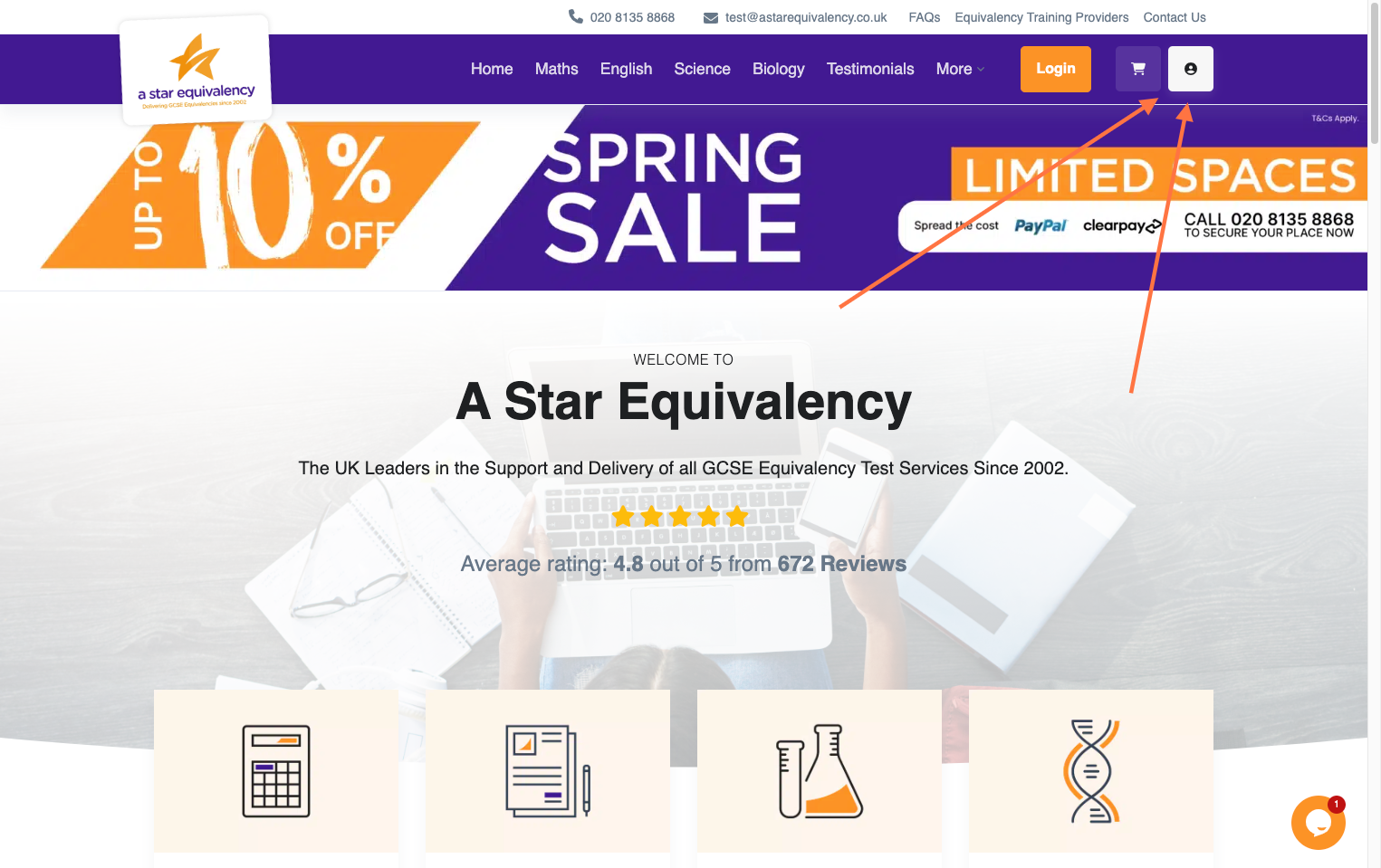
Click on the person icon, make sure you log in using the details for your shop account.

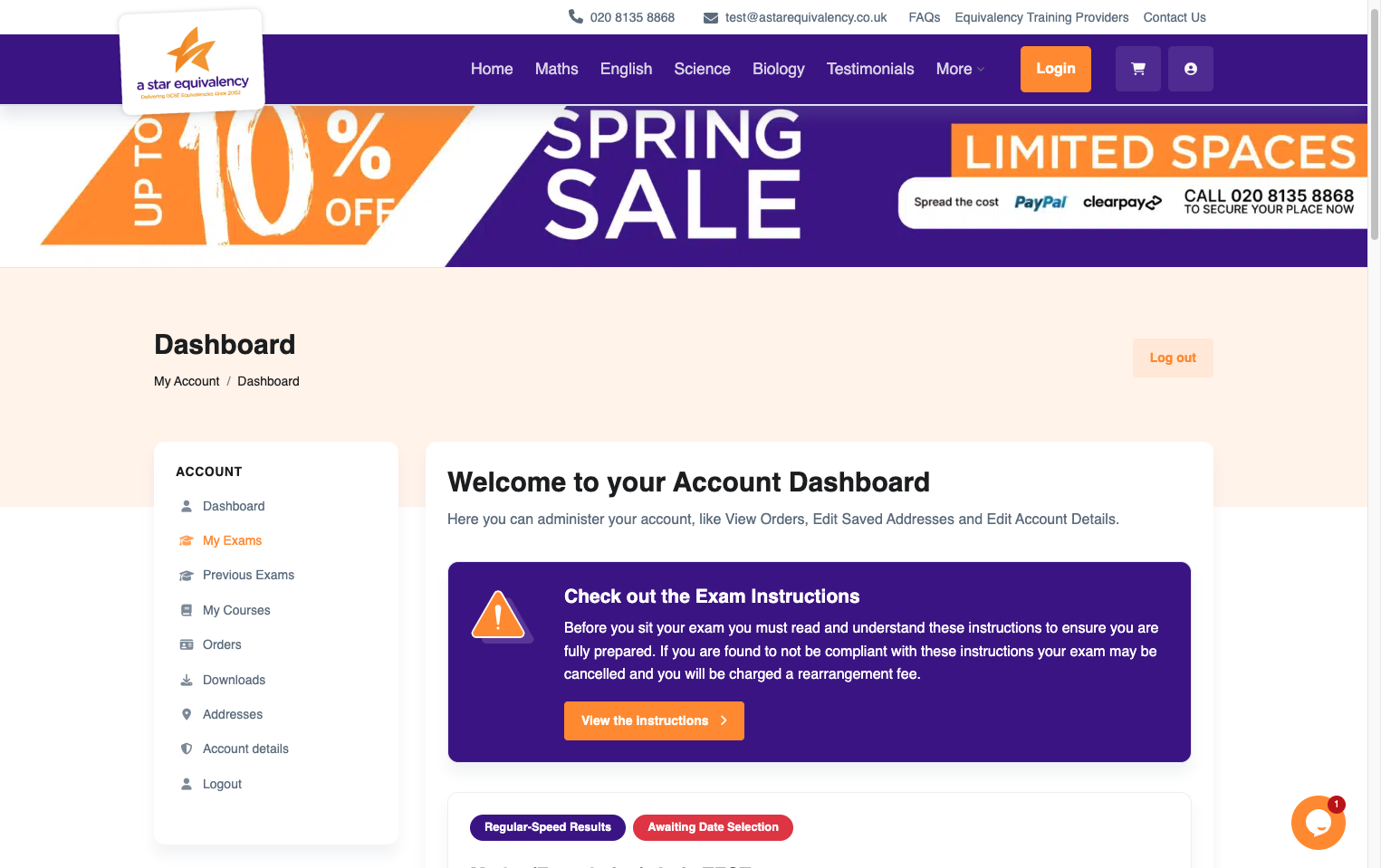
2. Click on 'My Exams'

Click on 'My Exams'

3. Scroll down and click on 'Add Fast Track'
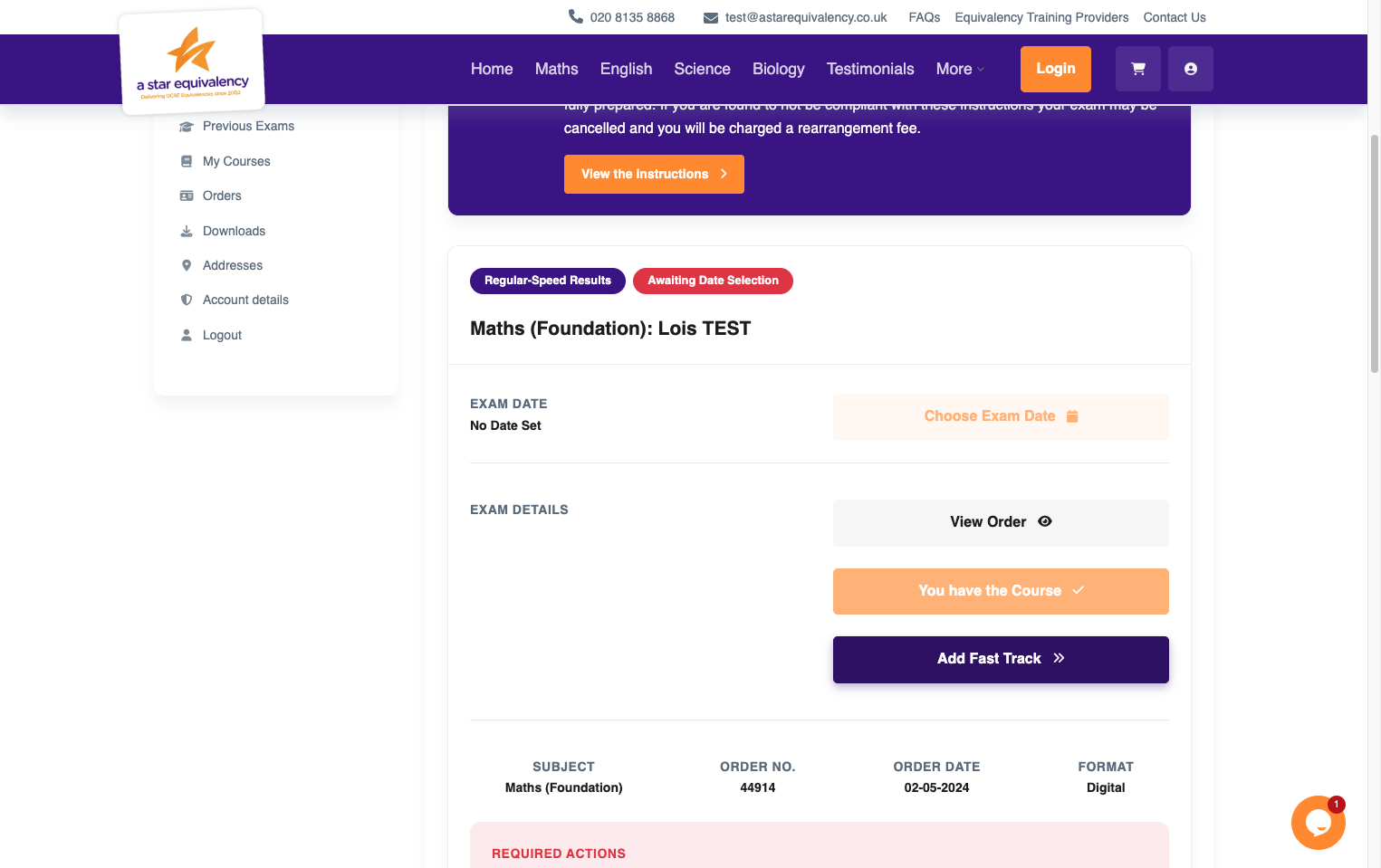
Scroll down and click on 'Add Fast Track'

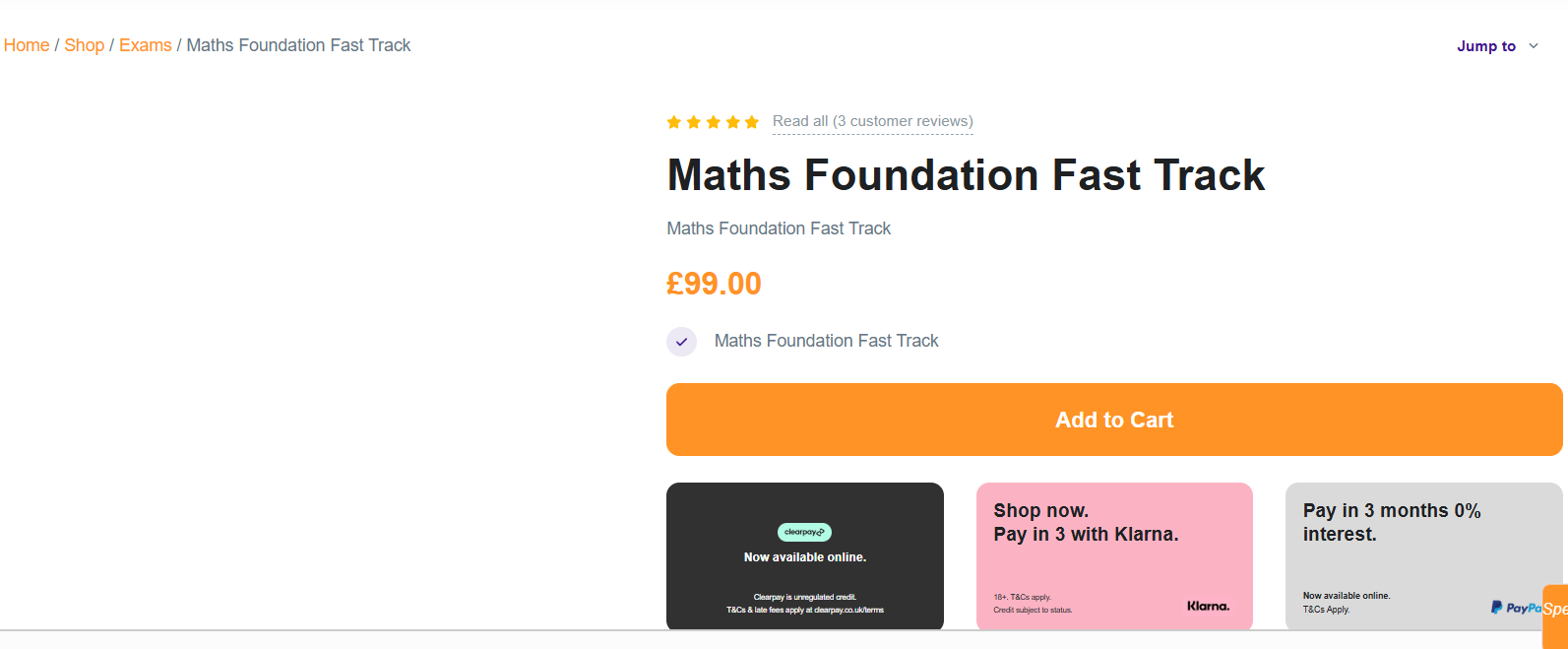
4. Click on 'Add to Cart'
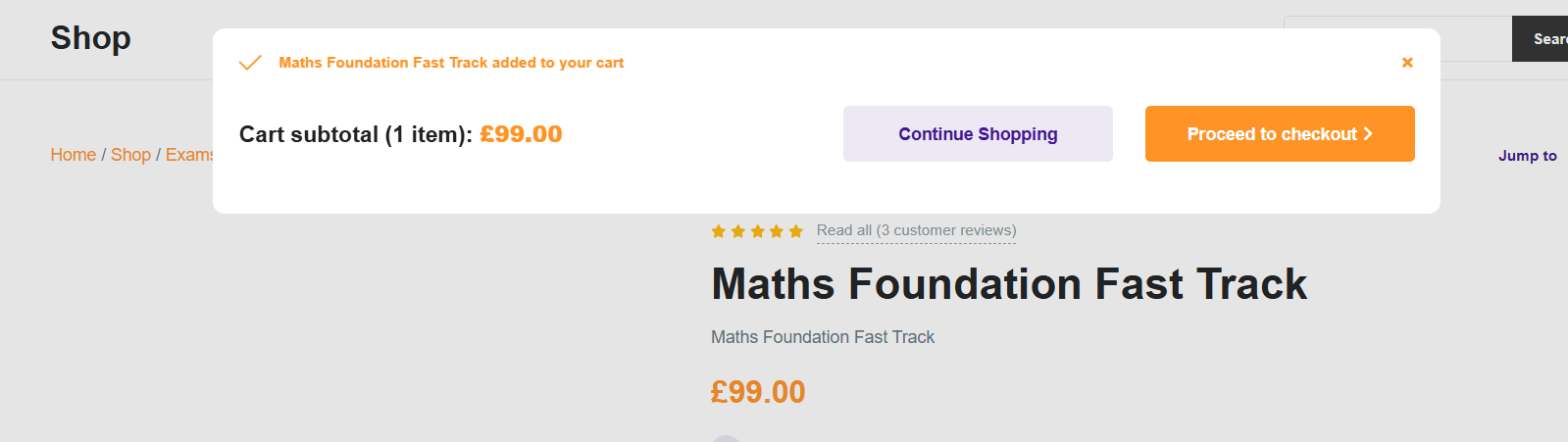
5. Click on 'Proceed to checkout'
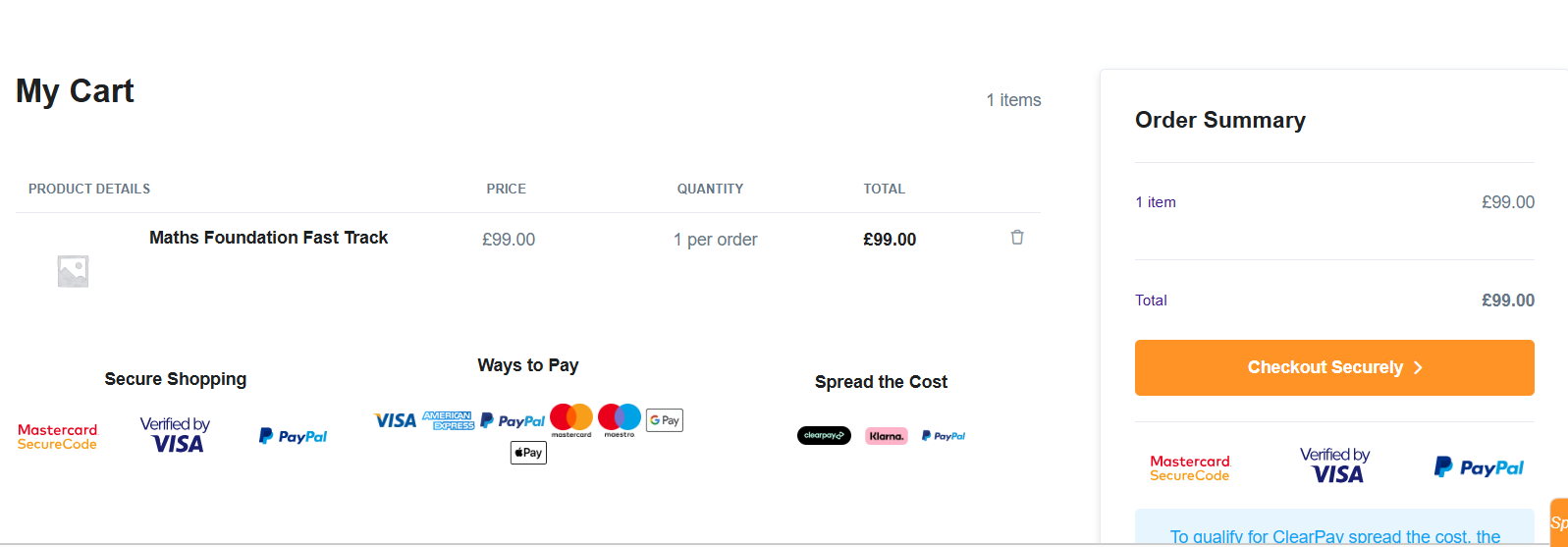
6. Click on 'Checkout Securely'